> ## Documentation Index
> Fetch the complete documentation index at: https://docs.appcharge.com/llms.txt
> Use this file to discover all available pages before exploring further.
# Choose a Support Model
## Overview
To provide seamless support for non-financial player inquiries, Appcharge offers multiple support options directly within the web store. These options facilitate direct communication and quick resolution of player concerns:
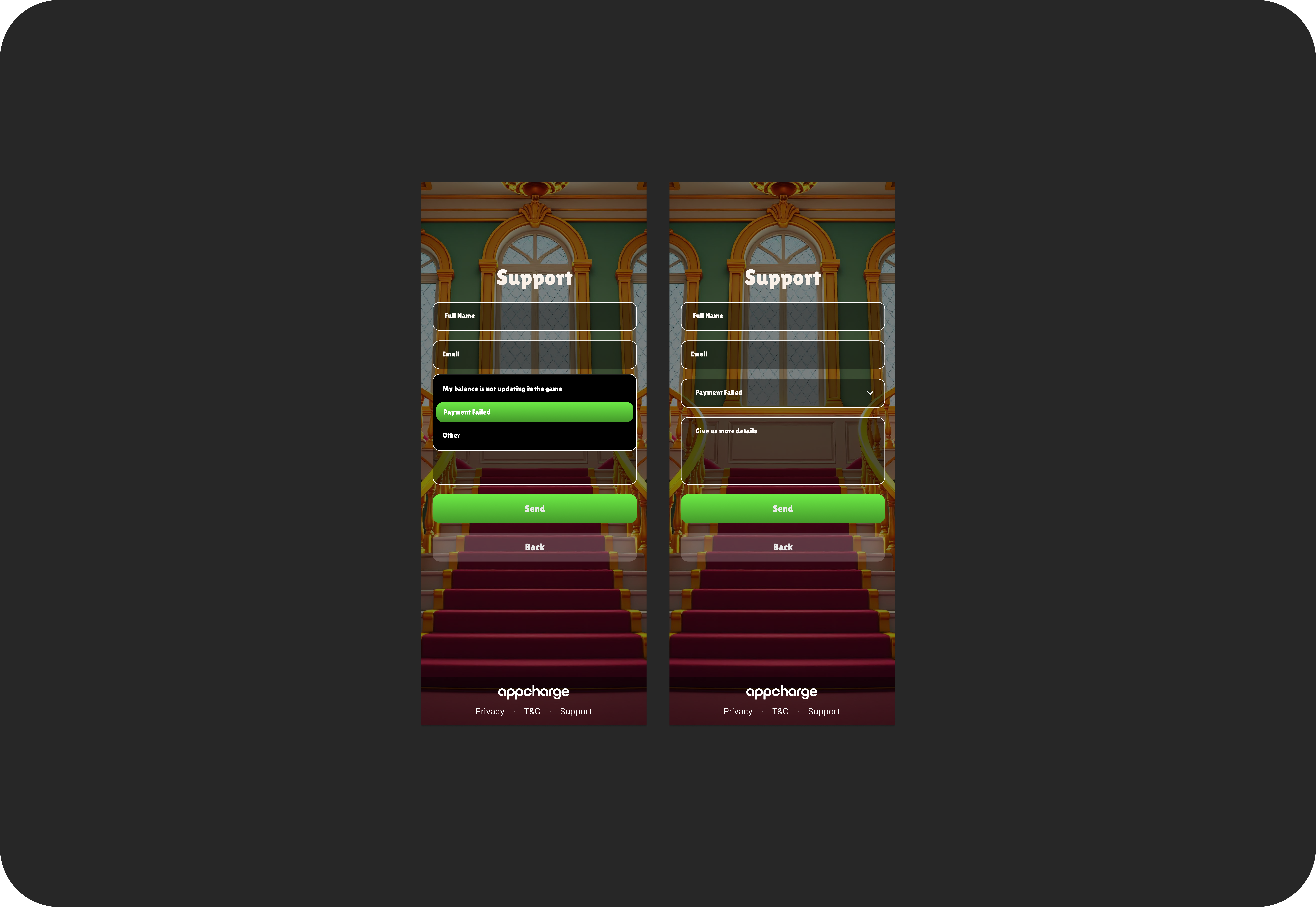
1. **Email Support**
Players can submit inquiries through a built-in form directly within the web store. This form allows players to provide detailed information about their questions or concerns, enabling effective and personalized support.
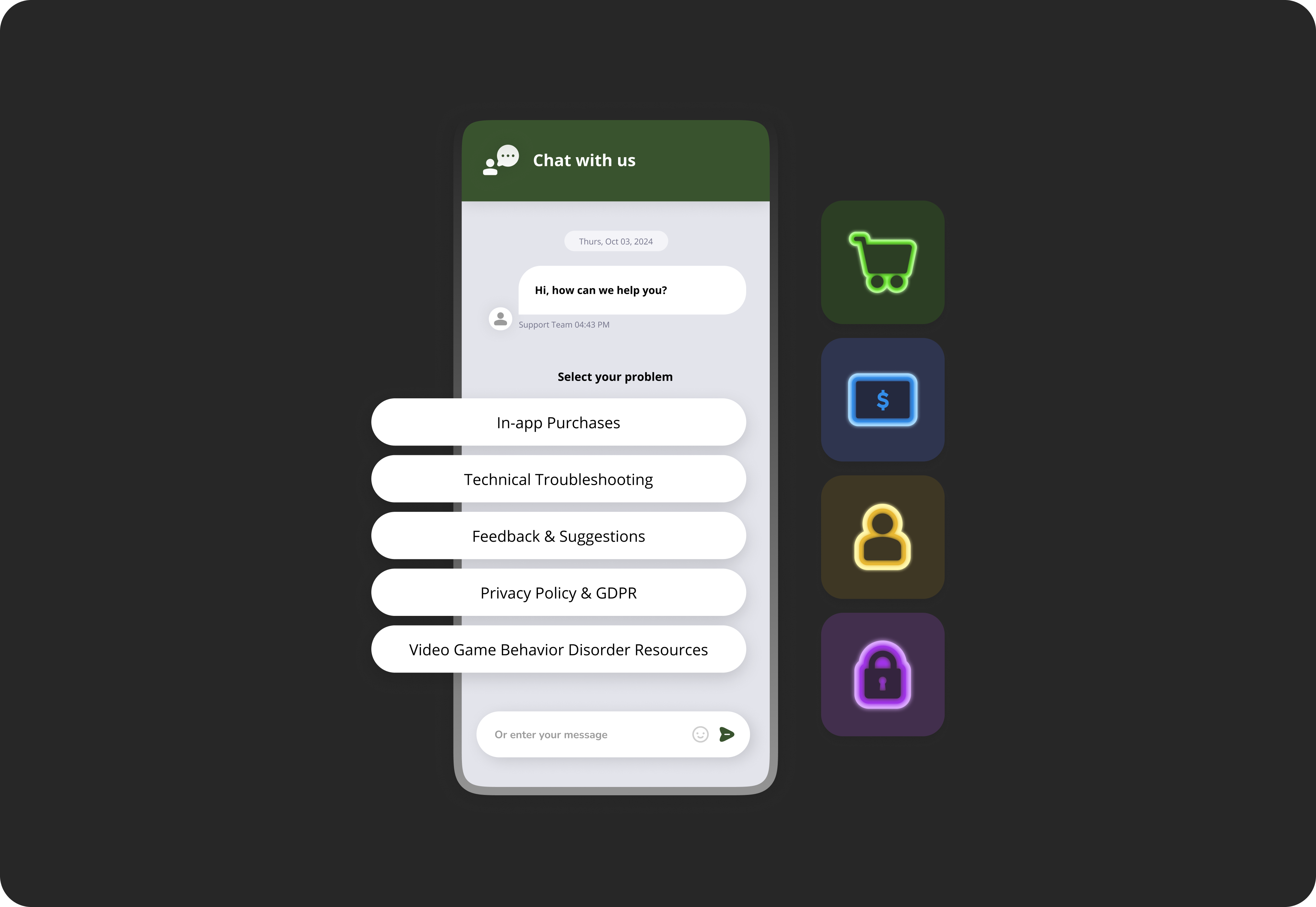
 2. **Live Chat**
A dedicated chat interface is available for immediate assistance. This option allows players to receive real-time responses for quick queries and problem resolution, enhancing the player experience through instant communication with the support team.
2. **Live Chat**
A dedicated chat interface is available for immediate assistance. This option allows players to receive real-time responses for quick queries and problem resolution, enhancing the player experience through instant communication with the support team.
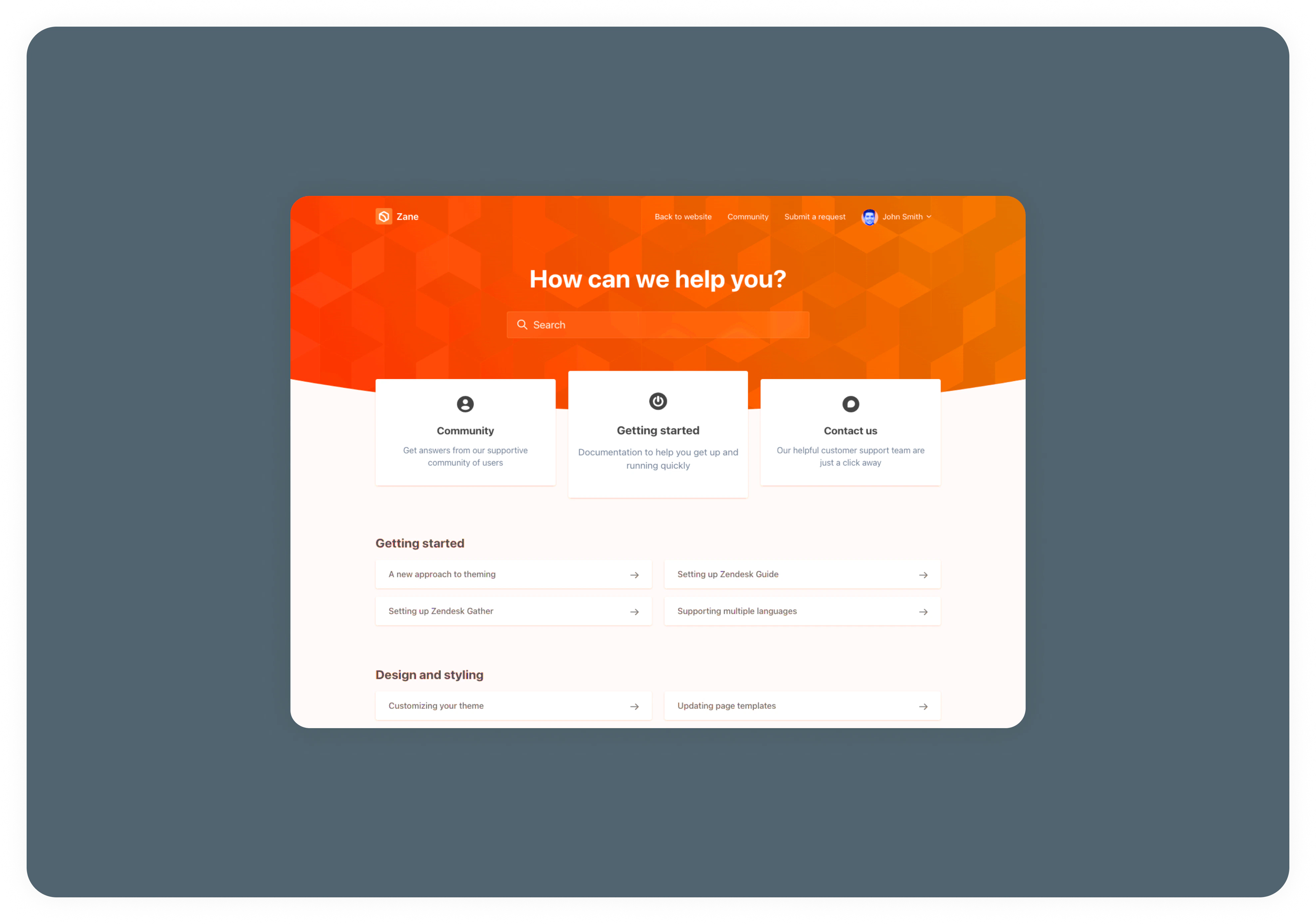
 3. **External Support Link**
For additional support needs outside the web store, players can be directed to comprehensive external support resources. This option ensures players have access to a wide range of support tools and documentation to address various inquiries.
3. **External Support Link**
For additional support needs outside the web store, players can be directed to comprehensive external support resources. This option ensures players have access to a wide range of support tools and documentation to address various inquiries.
 ## Configuring Email Support in the Appcharge Dashboard
To set up email support for your web store, follow these steps:
1. Log in to your Appcharge dashboard with your admin credentials.
2. Go to the **Admin** section from the main menu.
3. Click on **Company** to access your company settings.
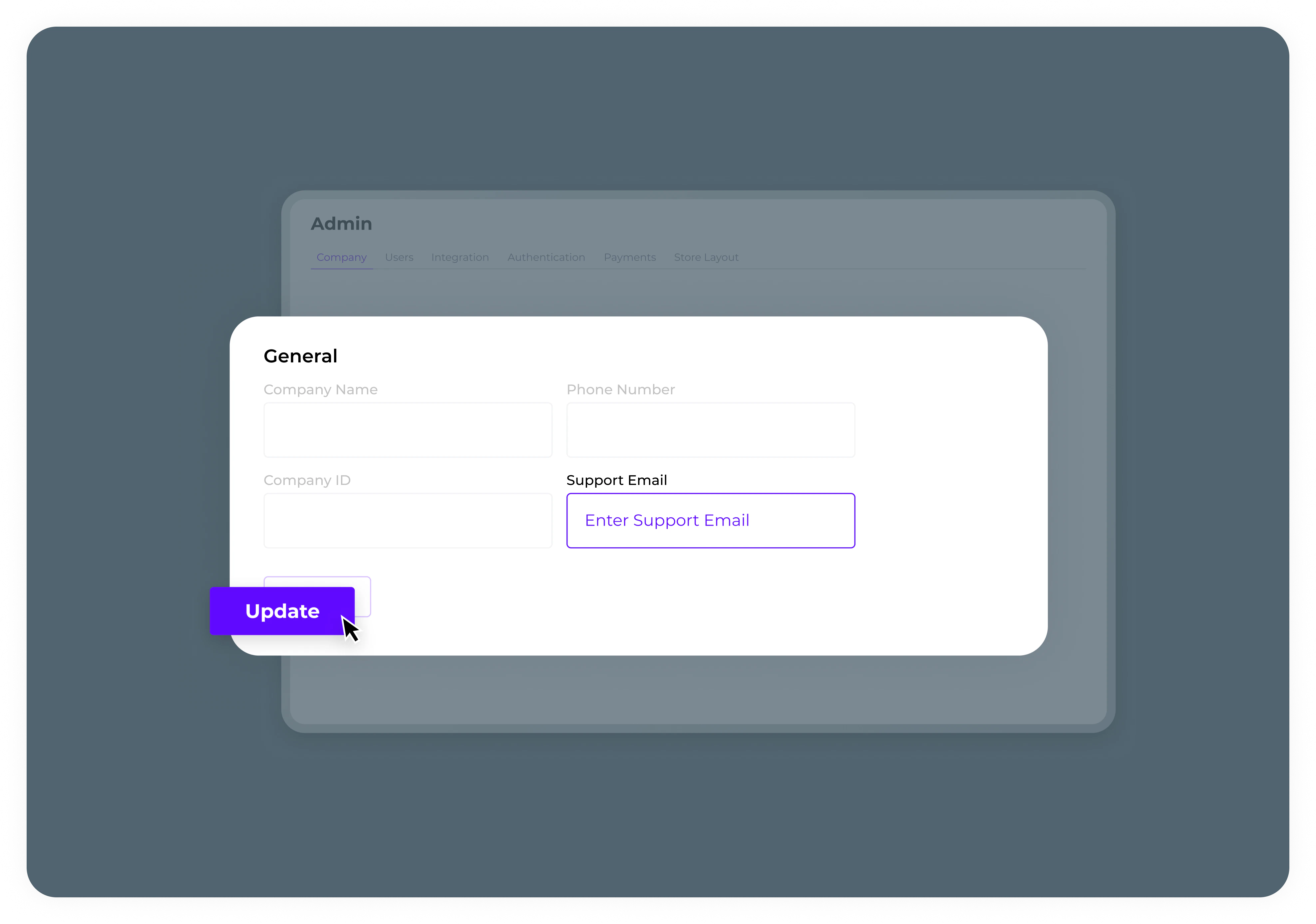
4. Find the **'Support Email'** field and enter the email address where you'd like to receive player support inquiries.
5. Once completed, click **Update** to save the changes and activate email support.
## Configuring Email Support in the Appcharge Dashboard
To set up email support for your web store, follow these steps:
1. Log in to your Appcharge dashboard with your admin credentials.
2. Go to the **Admin** section from the main menu.
3. Click on **Company** to access your company settings.
4. Find the **'Support Email'** field and enter the email address where you'd like to receive player support inquiries.
5. Once completed, click **Update** to save the changes and activate email support.
 For more advanced support configurations or customized support models, feel free to [contact us](https://www.appcharge.com/contact-us).