
Requirements
Distribution methods
Import the SDK via SPM
To import the Payment Links SDK for iOS via SPM:- Open your iOS project in Xcode.
- Go to File > Add Package Dependencies.
-
Enter the iOS Payment Links SDK repository URL:
https://github.com/Appcharge/ios-payment-links.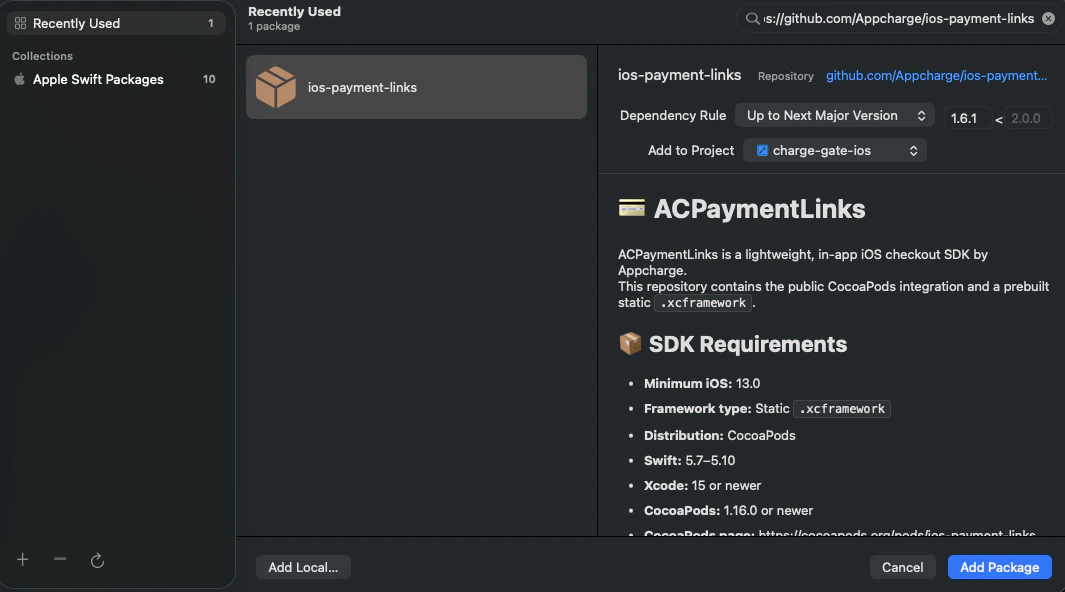
-
Use the dropdown-menu to select your Dependency Rule:
-
Up to Next Major Version: for the latest major version. (Recommended)
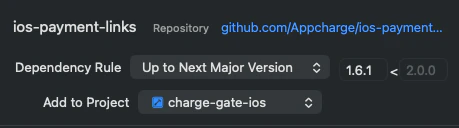
-
Up to Next Minor Version: for the latest minor version.
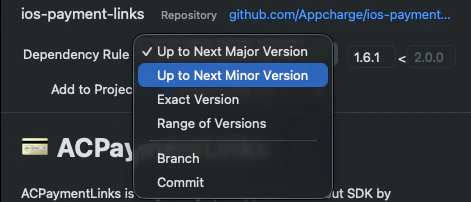
-
Up to Next Major Version: for the latest major version. (Recommended)
-
Use the Add to Project drop-down menu to select your app target.

Import the SDK manually
To import the Payment Links SDK for iOS manually:- Clone the Appcharge Payment Links repository to your local machine.
- Drag the
ACPaymentLinks.xcframeworkfolder into your Xcode project navigator. - In the popup, make sure Copy items if needed is checked.
- Select your target and go to the General tab > Frameworks, Libraries, and Embedded Content. Set the SDK to Embed & Sign.