
How it works
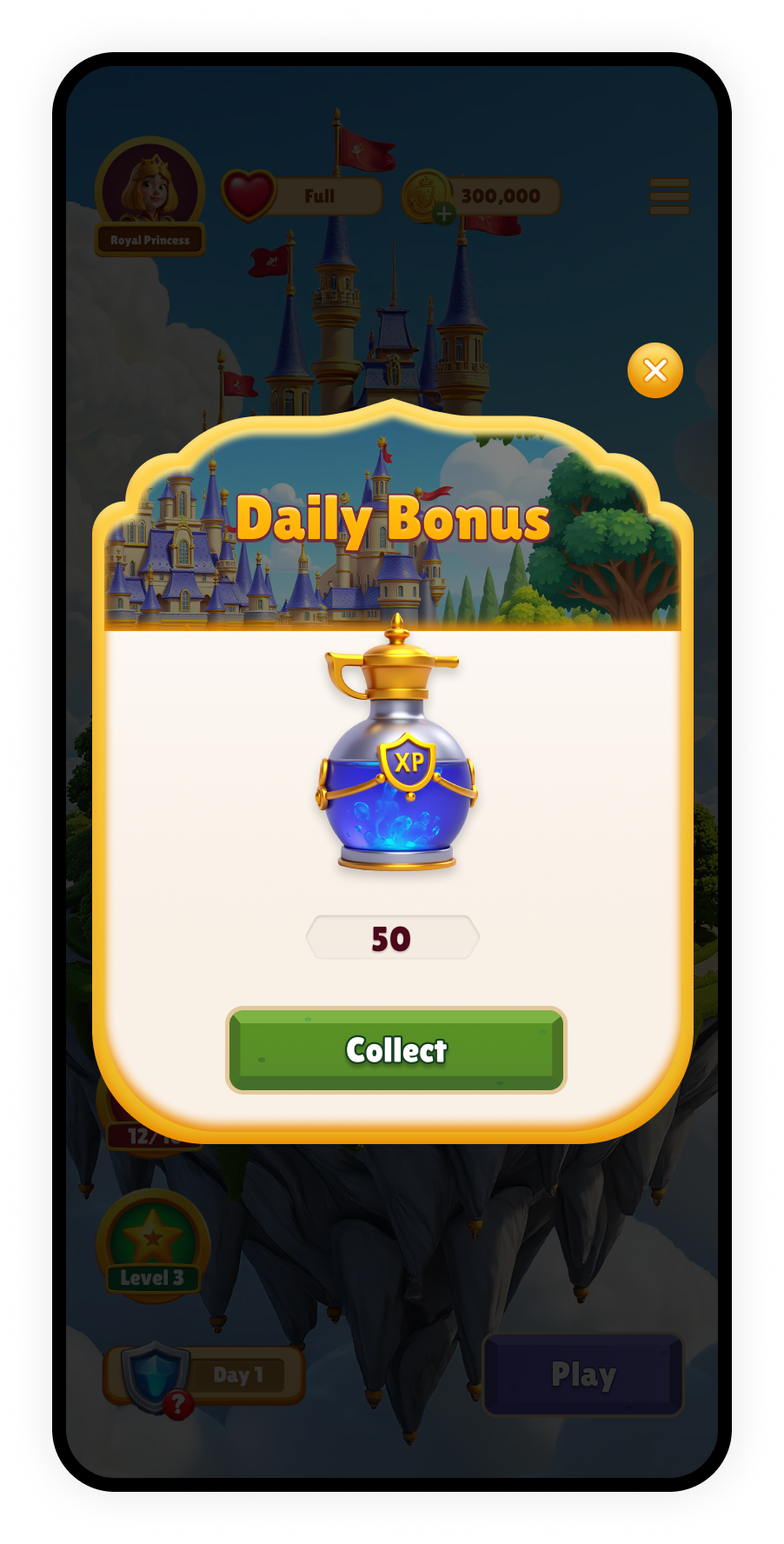
A Daily Bonus appears as a popup the first time a player enters the web store each day. The player can collect the reward or dismiss the popup and continue browsing. After the player collects or dismisses the popup, that popup disappears and isn’t shown again that day. You can display a Daily Bonus badge with a countdown timer of when the bonus will be available again. Players can click the badge to view which product they can collect next.Daily reset
Each Daily Bonus remains available until the daily reset, at 00:00 in the timezone set in the Publisher Dashboard. Learn how to set the daily reset timezone. The default timezone is UTC+00:00. After the daily reset, the player can collect the next available product in the sequence.Reward sequence
Each Daily Bonus can include up to 31 reward products. Products are shown one at a time in the order you define. Whether a player collects the reward or dismisses the popup, the Daily Bonus advances to the next product in the sequence. The skipped reward isn’t offered again, and the next product is shown with a locked icon and a countdown timer that indicates when it can be collected. If the player misses a day and doesn’t interact with the Daily Bonus at all, the sequence restarts from the first product. After the final product in the sequence is collected, the Daily Bonus ends. You can also configure the sequence to restart automatically. For example, if the sequence ends on Day 5 and the player collects the Day 5 reward, they see the Day 1 reward again on Day 6.Multiple Daily Bonuses
If multiple Daily Bonuses are available, the player sees each one in the web store. For example, if three Daily Bonuses are configured in the Publisher Dashboard and available to that player, all three appear on Day 1. Daily Bonus popups are shown one after another. When the player collects or dismisses the first popup, the next available popup opens. You can assign each Daily Bonus a priority to control the order in which active Daily Bonuses appear. Lower priority numbers appear first. Daily Bonuses without a priority appear last. If multiple Daily Bonuses have the same priority, the one created first appears first. For example, this table shows the priority among Daily Bonuses:
In this setup, the player sees Daily Bonus A first, then Daily Bonus B, then Daily Bonus C. Each Daily Bonus advances independently.
Priority also applies across all eligible offers that use a popup modal such as Store Refresh Popups and Reward Calendars, and determines the display order.
Example player experience
Using the Daily Bonus example above, this is what the player sees if they collect every available reward:
If the player dismisses a reward instead of collecting it, that reward is skipped. For example, if the player dismisses Gold on Day 1, Daily Bonus A offers Gems on Day 2. If the player misses a day and doesn’t interact with Daily Bonus A at all, the sequence restarts from Gold.